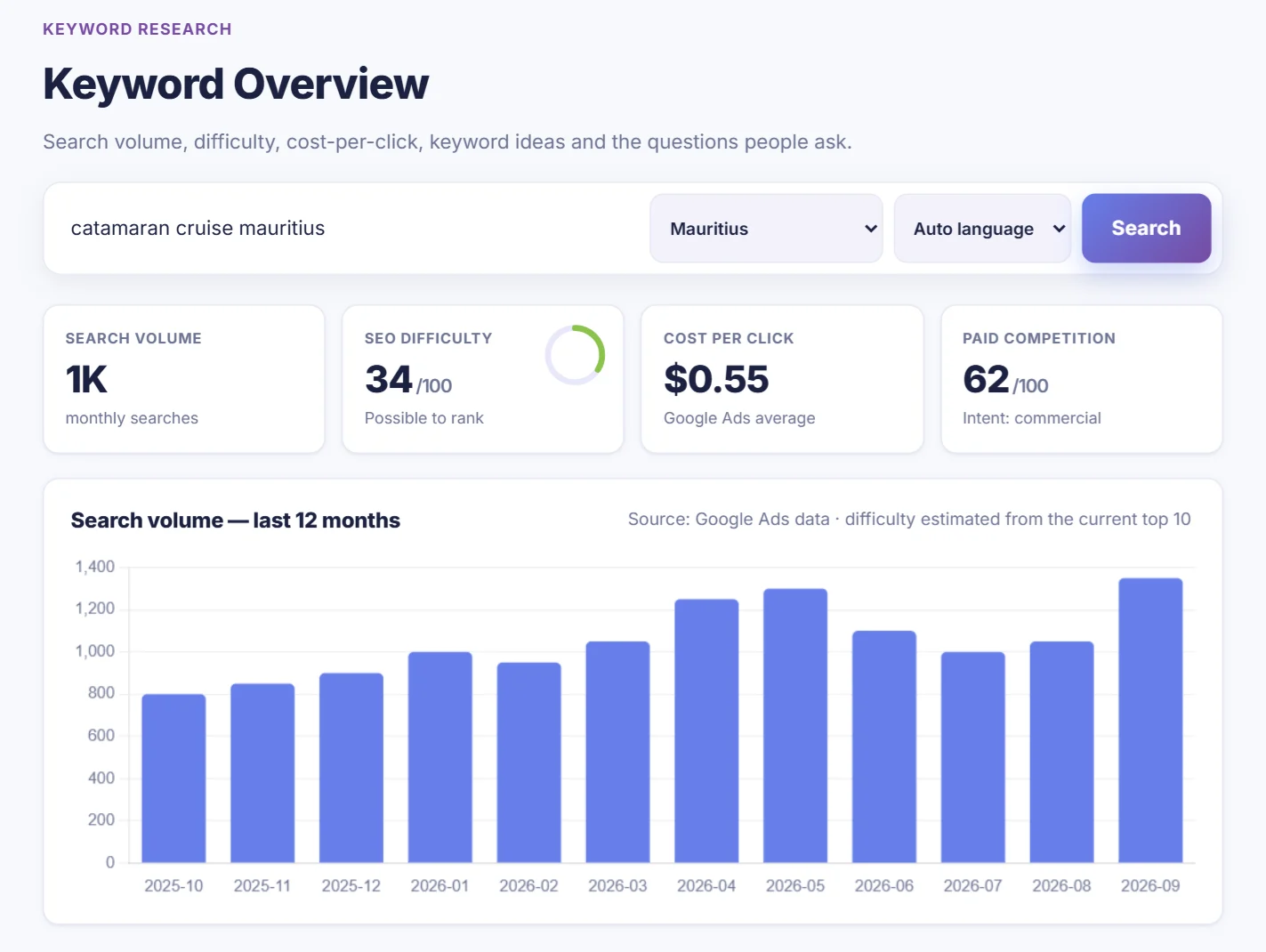
How to use an SEO ranking checker (and what the numbers really mean)
Check where your website ranks on Google, understand positions, averages, page one share and competitors, and turn the numbers into actions.
- Checking your rankings by hand is unreliable: location, history and device change the results.
- Top 3 and page-one counts are the most honest measures of progress, not average position.
- Work on keywords in positions 4–15 first: they are closest to bringing you clicks.
"Where do we rank on Google?" sounds like a simple question. Then you search your own keyword, see your site third, and a colleague in another town sees it seventh. Rankings depend on location, device and search history, which is why a ranking checker exists, and why its numbers need a little explaining.
Why checking by hand doesn't work
- Location: Google shows different results in Port Louis, Paris and London, and even between towns.
- Personalisation: if you visit your own site often, Google may rank it higher for you than for a new customer.
- Device: mobile and desktop results can differ.
- Time: checking 20 keywords by hand every week takes an hour, and you forget to write them down.
A ranking checker searches Google for you from the market you choose, with no history, on a schedule, and keeps the results so you can see the trend.
How to check your rankings properly
You have two good free sources, and they answer different questions:
- Google Search Console shows your average position for every search you appeared in, based on real impressions. Great for discovering keywords, but an average over many locations and days.
- A rank tracker checks chosen keywords in a chosen market, and shows your competitors too. Better for following the keywords that bring customers.
In CrazyDodo, a rank tracker is a project: your website, your market, your competitors and your keywords. Free accounts track 10 keywords every week; Pro tracks 50 keywords every day, in up to 3 markets.
Set up your ranking checker in 5 steps
- 1
Create a free account and a project
Open Projects & Rankings and click New project. Free accounts get one project.
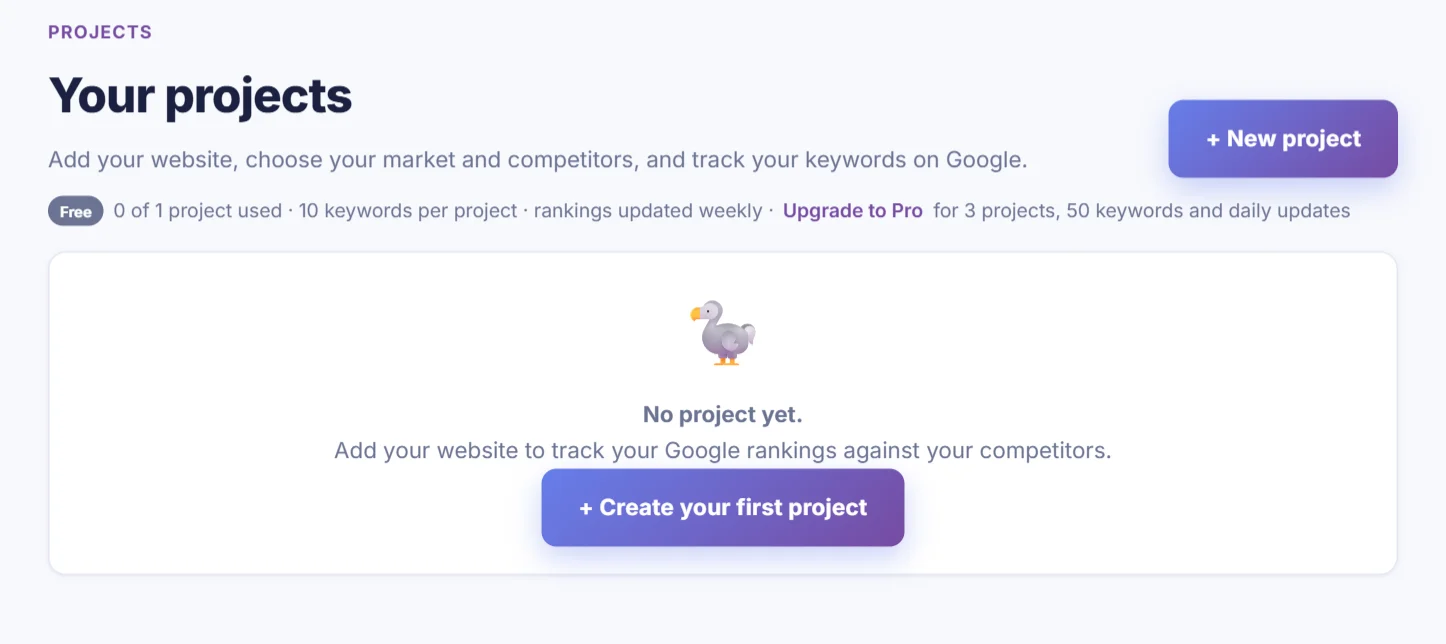
Your projects live here. - 2
Choose your website and market
Enter your domain and the Google market your customers search in: Mauritius, International or any country. On Pro, add up to two more markets.
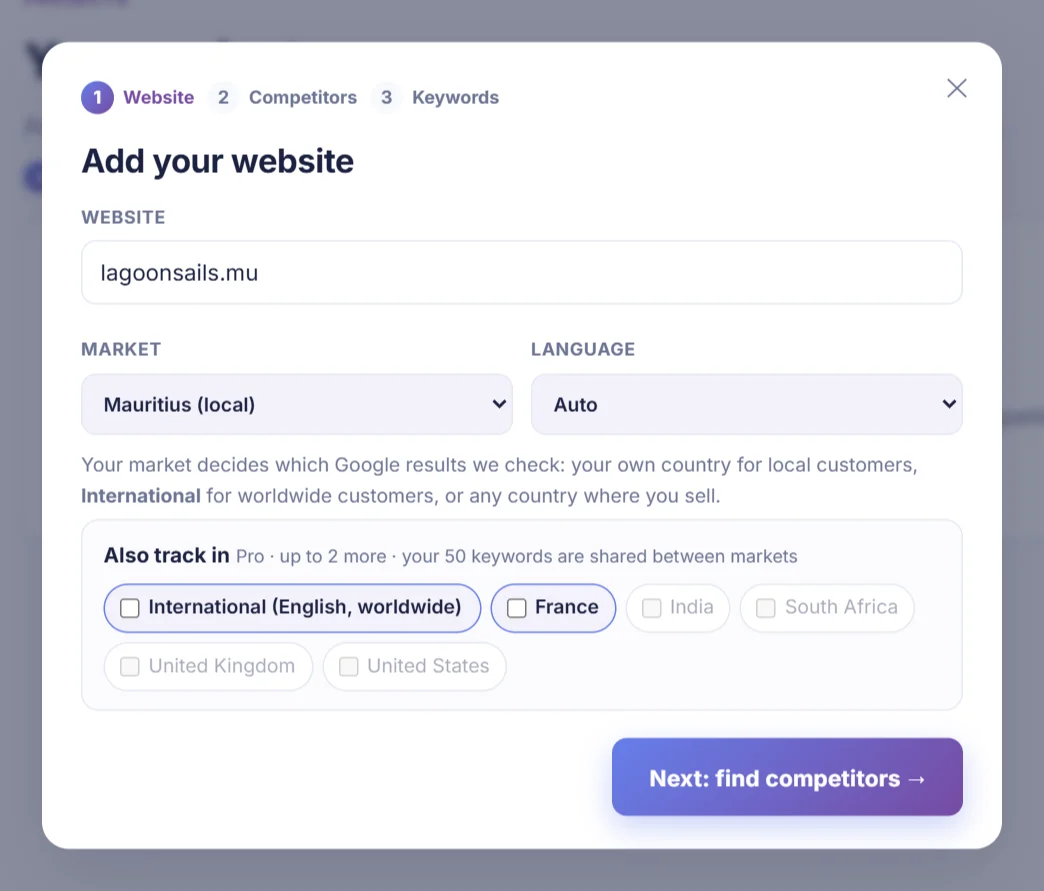
Step 1: website and market. - 3
Pick your competitors
CrazyDodo suggests the websites that rank for the same searches in that market. Tick the ones that really compete with you (3 free, 5 on Pro).
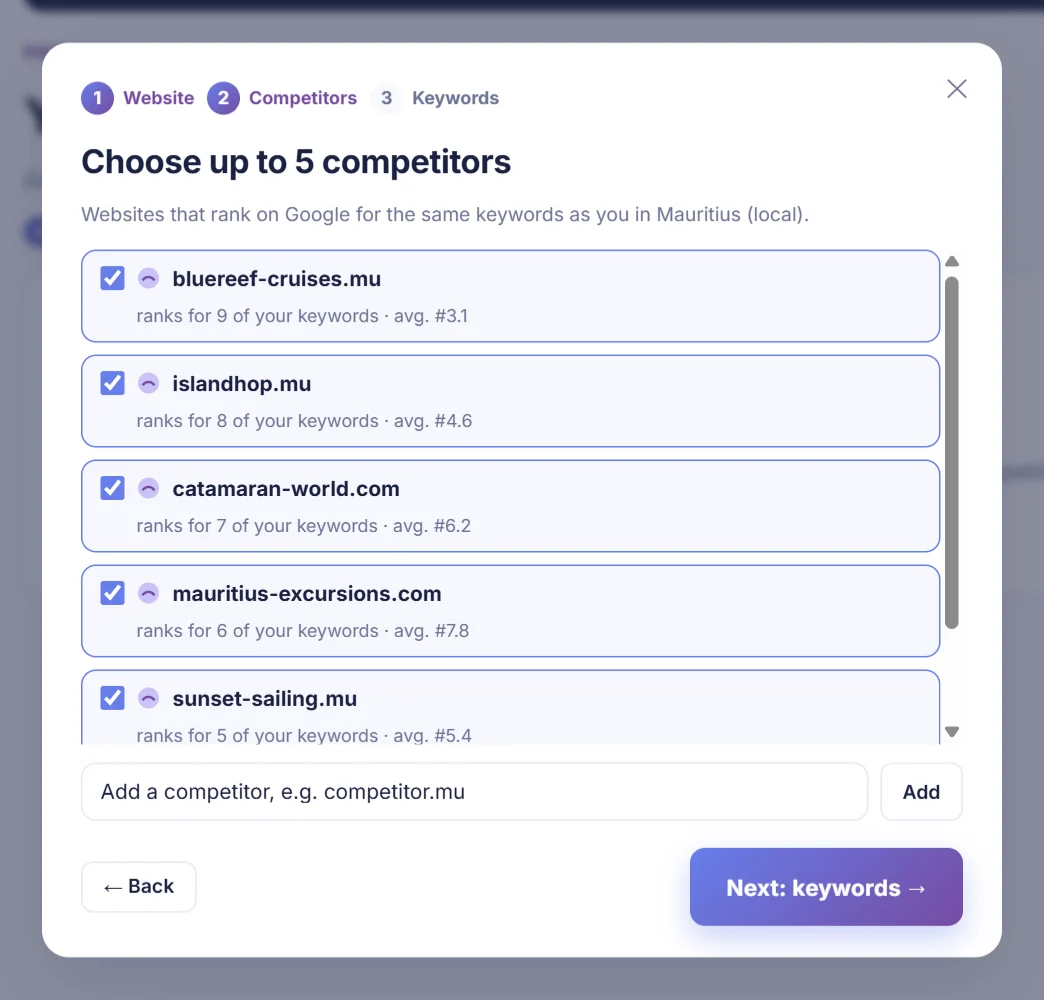
Step 2: competitors found on Google (demo data). - 4
Choose your keywords
Pick from the searches Google already links to your site, or type your own. Choose searches that bring customers, not only the biggest ones.
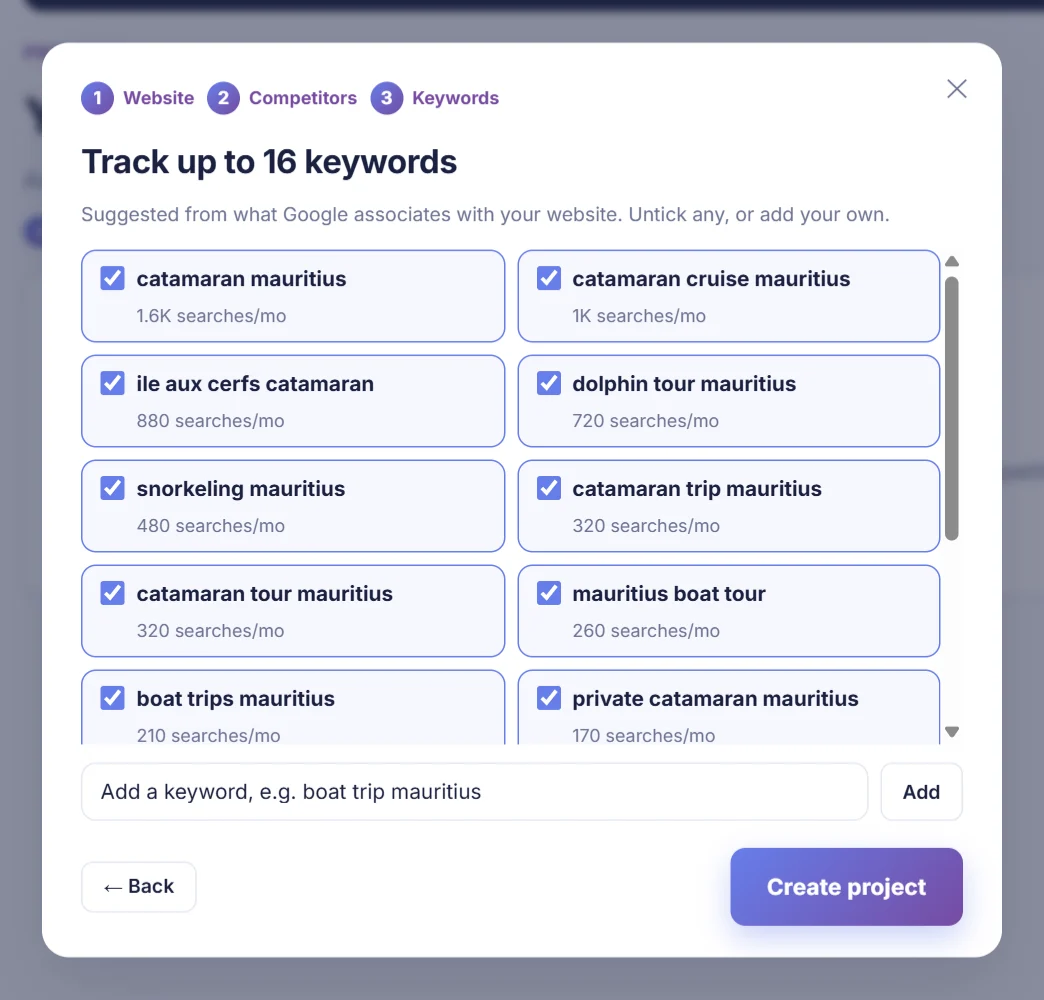
Step 3: keywords with monthly searches (demo data). - 5
Check back every week
Your first 10 keywords are checked straight away. After that, rankings update every week (every day on Pro) and every project appears in your list.
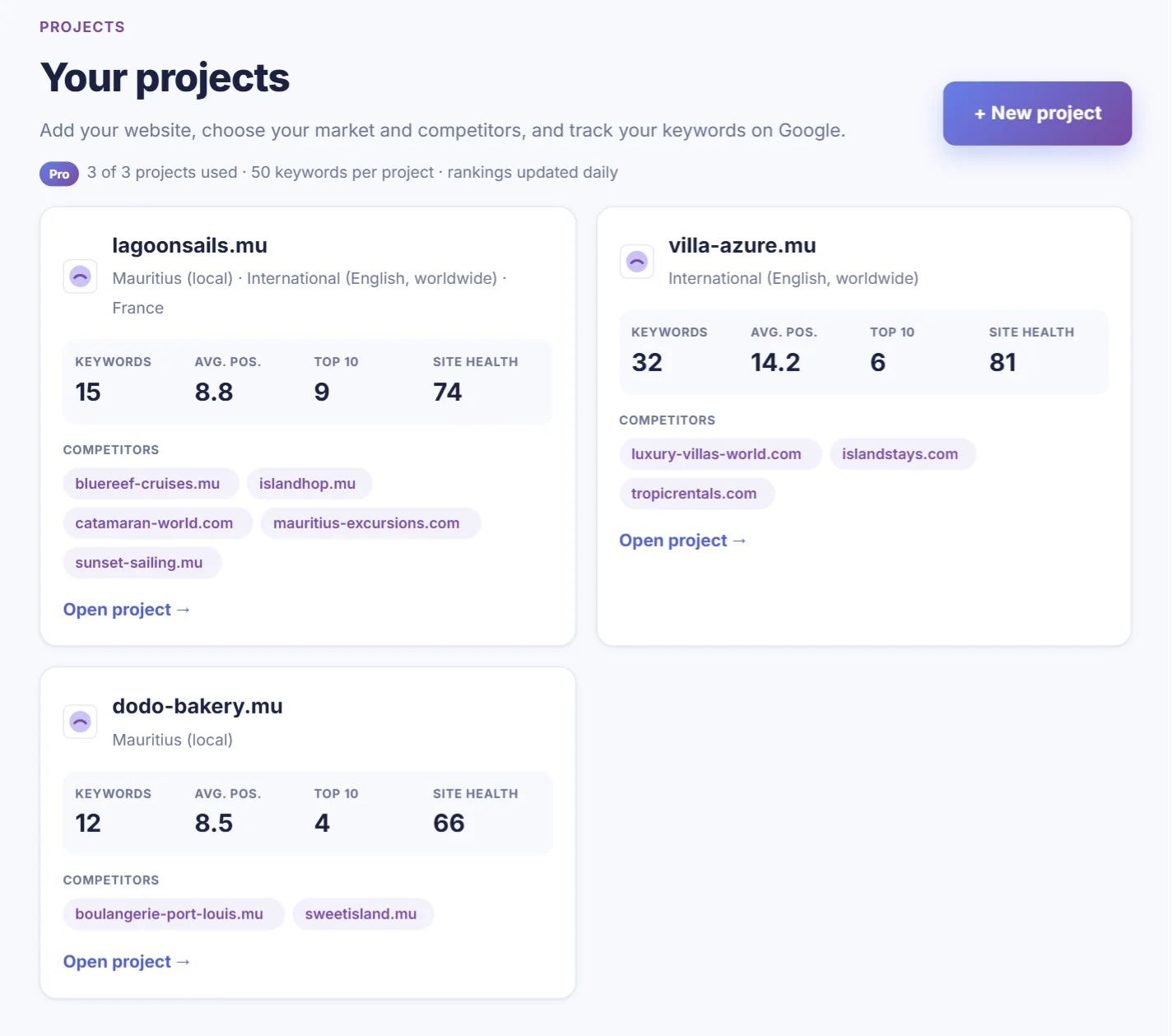
All your projects in one list (demo data).
More detail, including how to add markets later, is in our guide: Projects & rankings.
What the numbers mean
| Number | What it tells you |
|---|---|
| Position | Your place in the organic results. 1–3 gets most of the clicks, 4–10 is page one, 11+ is rarely seen. |
| "30+" | Not in the first 30 results. You're not visible yet for that search. |
| Change ▲▼ | Places gained or lost since the previous check. Small daily moves of 1–2 places are normal noise. |
| Average position | The average across keywords where you appear. Useful as a trend, misleading on its own: adding new keywords usually makes it worse, even when things improve. |
| Top 3 / Top 10 | How many of your keywords are in the top three and on page one. The most honest measure of progress. |
| Your page | Which of your pages Google shows. If it's the wrong page, Google is unsure which page answers the search. |
Moving 1 or 2 places from one check to the next is normal. Look at the trend over 4 weeks and at your page-one count before changing anything.
Reading your competitors' positions
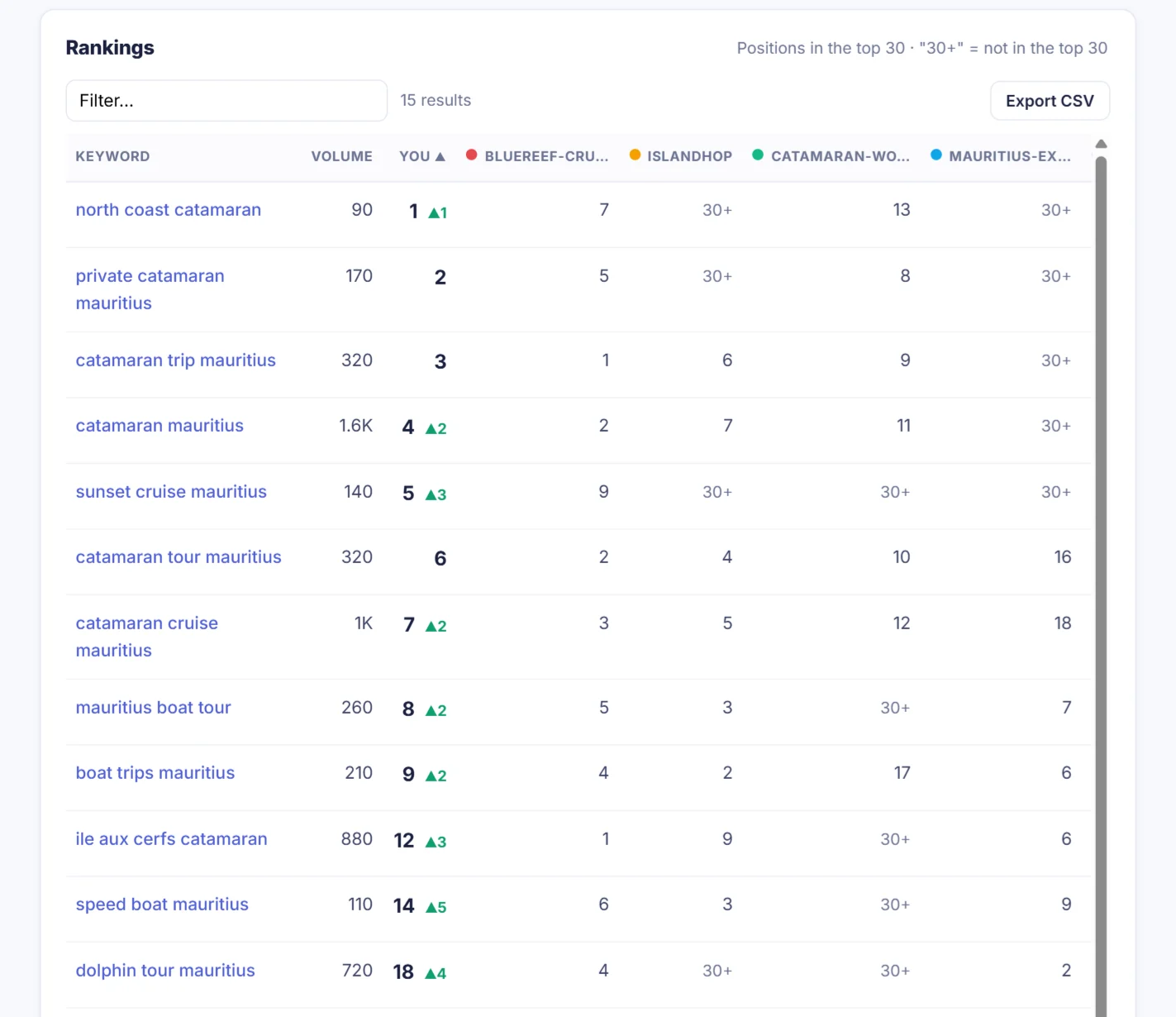
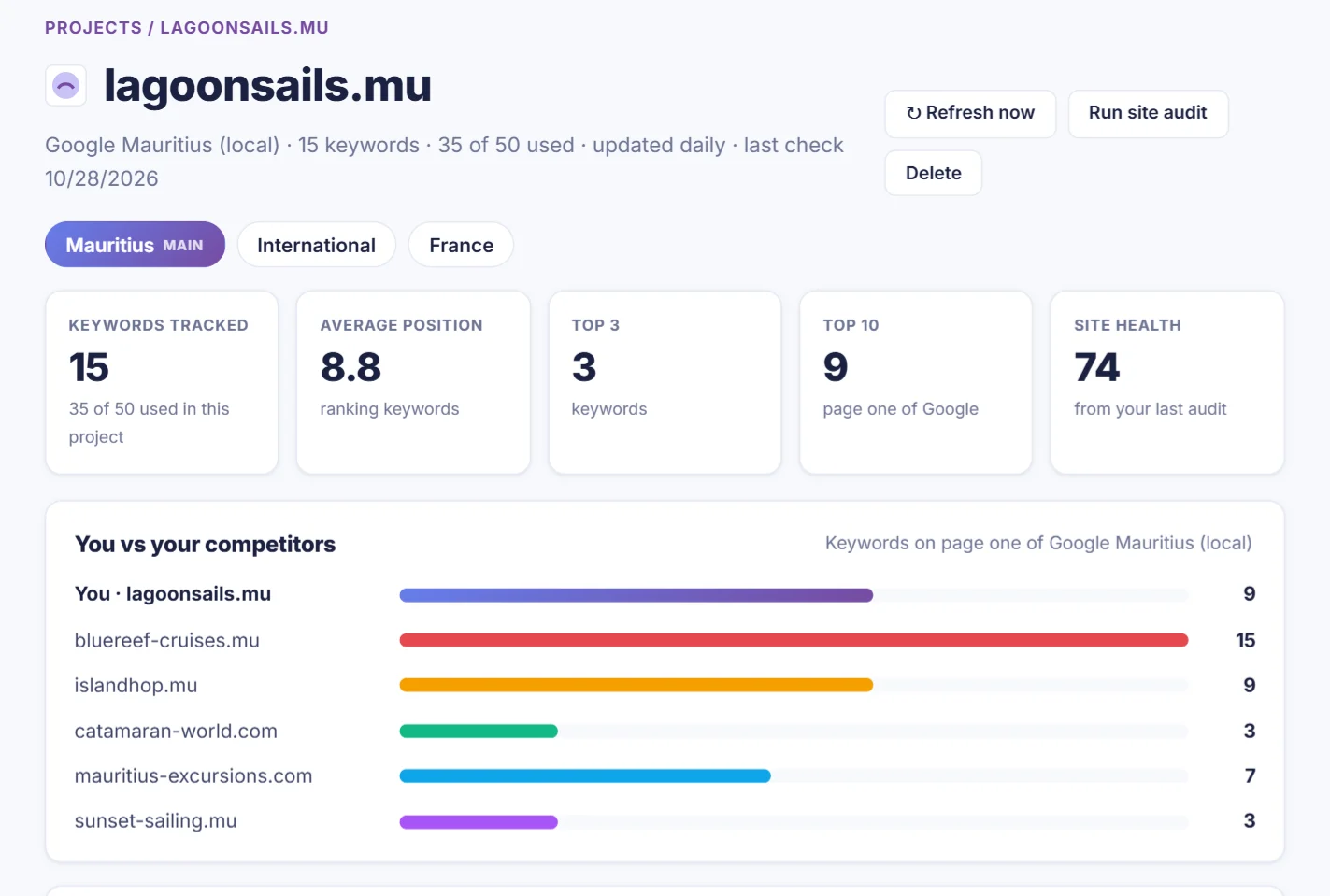
Your own position means little on its own. If you're fifth and the four sites above you are booking platforms, you're the first business in the list. If they're all direct competitors, you have work to do. That's why CrazyDodo shows a column per competitor next to your position:
The "You vs your competitors" chart counts how many of your keywords each site has on page one. It's the fastest way to see who is winning your market.
Turning rankings into actions
- Positions 4–15 first. These keywords are closest to page one or the top three. Improve the page Google shows: answer the search better, add detail, FAQs and internal links.
- Wrong page ranking? Make the right page clearly about the keyword (title, H1, first paragraph) and link to it from the other page.
- A sudden drop? Open the history chart. If competitors moved too, Google changed something. If only you dropped, check the page still works and wasn't changed recently, then run a site audit.
- A competitor jumps up? Open it in the Traffic Analyzer and look at its top pages and new backlinks.
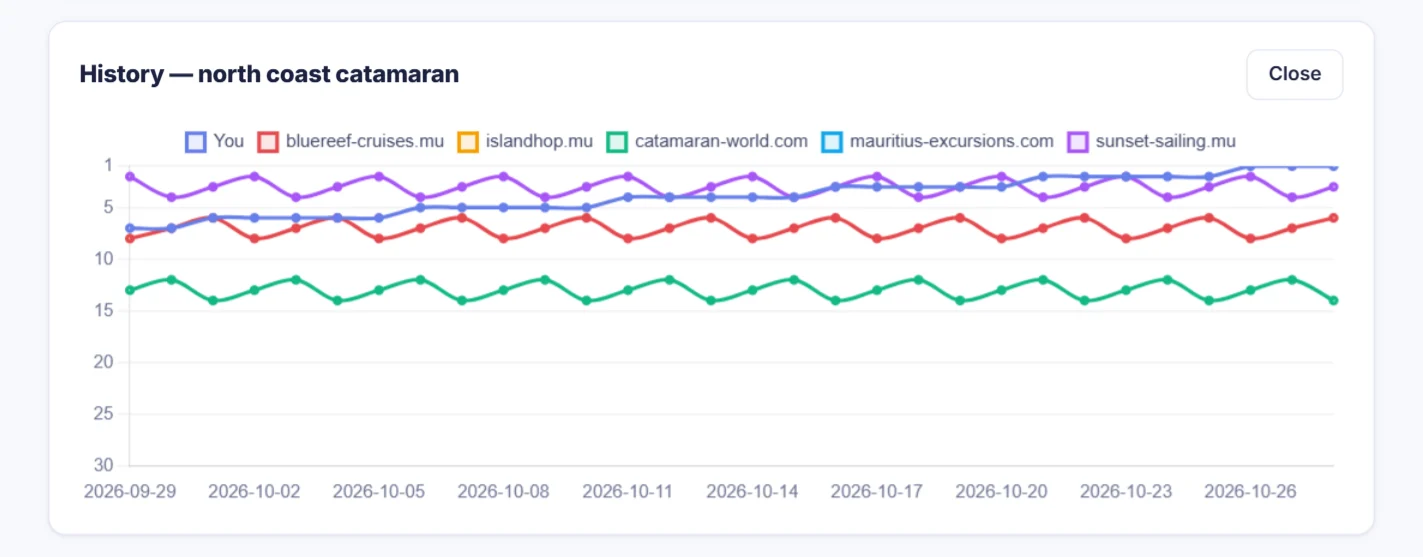
One project, 3 competitors and 10 keywords, checked every week. Free account.