Getting started: analyse your website in 60 seconds
Run your first free SEO analysis with CrazyDodo, read your Health, SEO, GEO and AEO scores, and find the quick wins worth fixing first.
CrazyDodo checks your website the way Google and AI assistants see it, then tells you what to fix first. The first analysis is free and needs no account. It takes about a minute.
1Analyse your website
Go to the Website Analyzer and type your website address, for example yourbusiness.mu. You don't need https:// or www. Click Analyze Website.
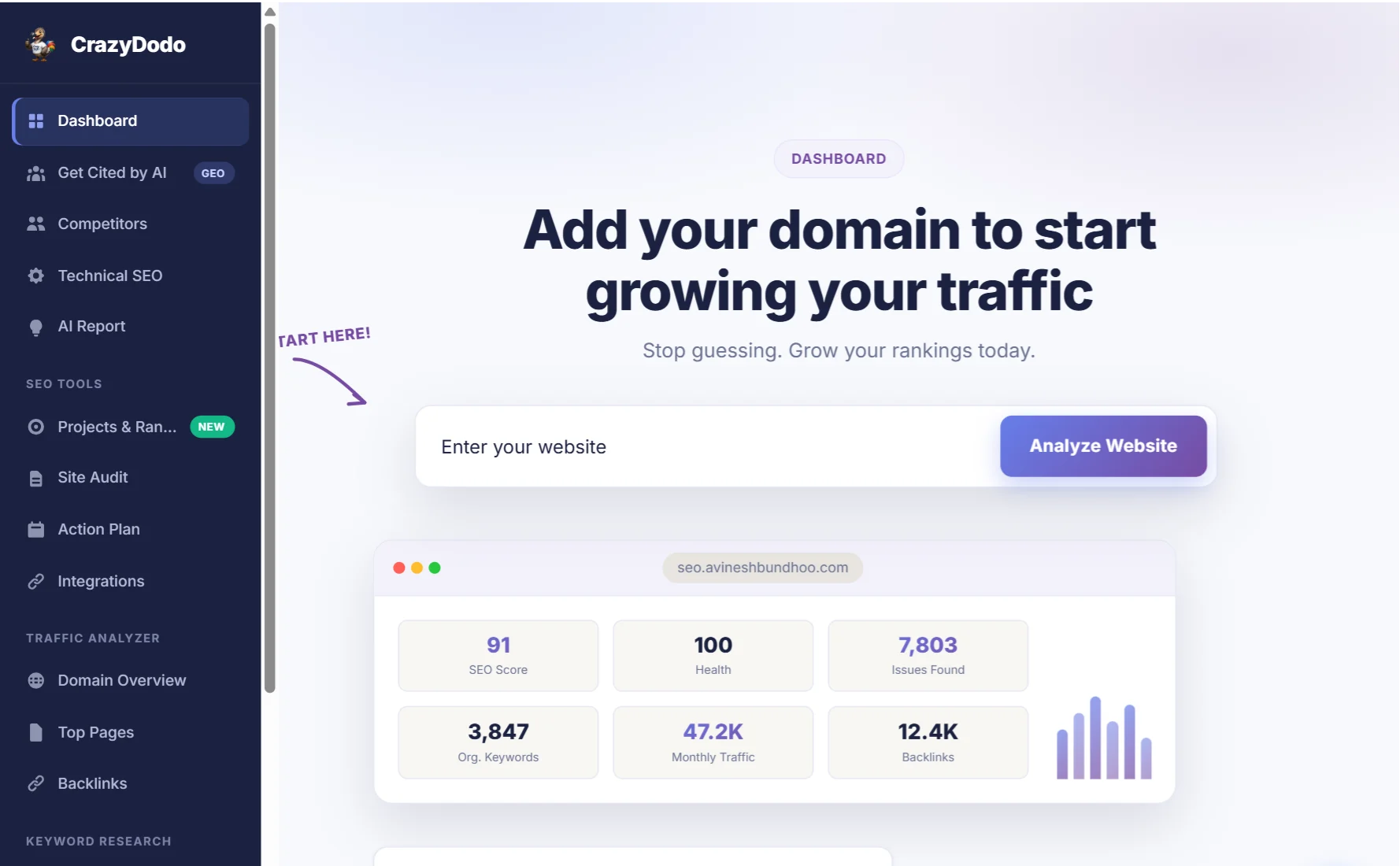
CrazyDodo loads your home page, measures its speed, reads the code and checks your backlinks. Keep the tab open until the results appear.
2Read your four scores
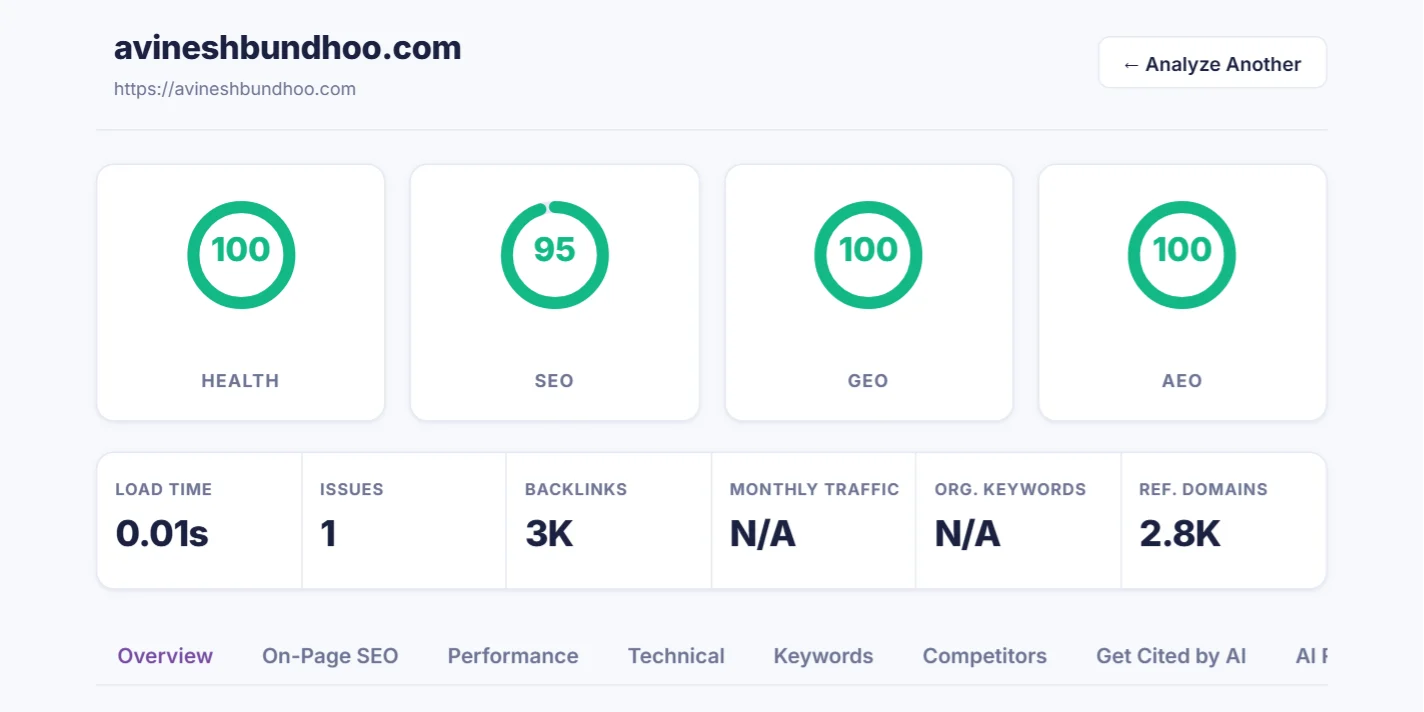
| Score | What it measures |
|---|---|
| Health | Technical basics: the page loads, works on mobile, uses HTTPS and has no broken code. |
| SEO | How well the page is set up for Google: title, description, headings, content length, images and links. |
| GEO | Generative Engine Optimisation: how easily AI tools such as ChatGPT, Gemini or Perplexity can understand and cite your page. |
| AEO | Answer Engine Optimisation: whether your content answers questions clearly enough to appear in answer boxes and voice search. |
Below the scores you'll see your load time, the number of issues, backlinks and referring domains. When our data covers your site, you also see estimated monthly traffic and the number of keywords you rank for. Smaller Mauritian sites often show N/A here because there isn't enough search data yet. That's normal.
3Explore the result tabs
Under the scores, the tabs break the analysis down:
- On-Page SEO: your title, meta description, headings, images and content, with what to change.
- Performance: speed and Core Web Vitals, measured by Google PageSpeed on mobile, where most of your visitors are.
- Technical: HTTPS, mobile viewport, robots.txt, sitemap and structured data.
- Keywords: the words your page is actually about, measured on the visible text.
- Competitors: the websites competing with you on Google (free account needed).
- Get Cited by AI and AI Report: how to make AI assistants recommend you.
4Start with the quick wins
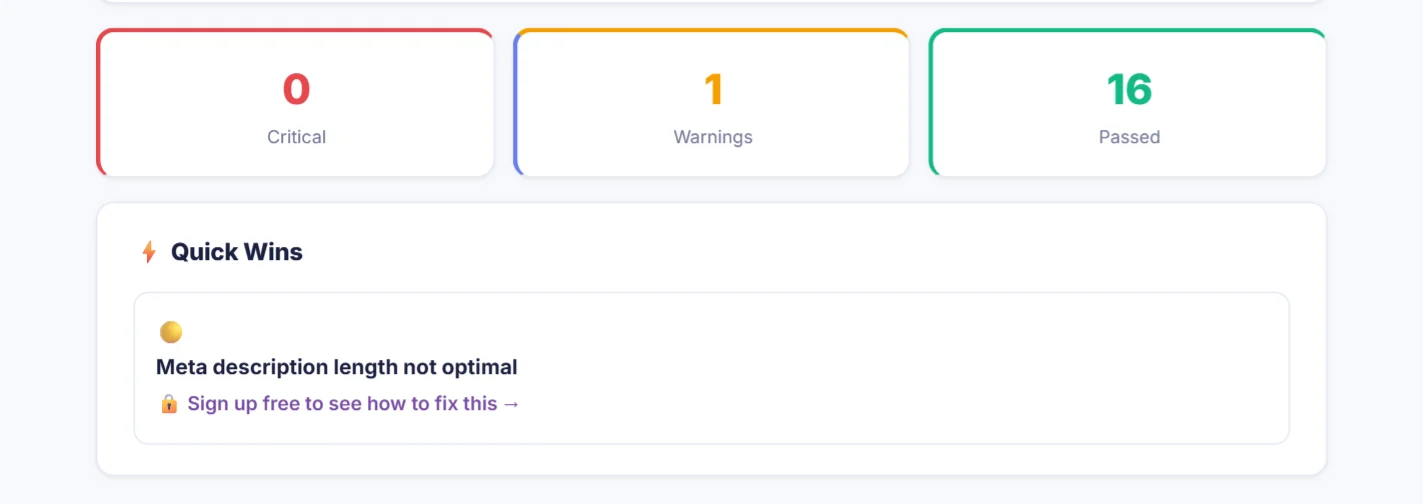
The coloured boxes count critical problems, warnings and passed checks. Fix the critical ones first: they can stop Google from ranking the page at all. Then work through the Quick Wins, small changes you can usually make yourself in your website editor in a few minutes.
5Create your free account
Without an account you see what's wrong. With a free account you also see how to fix it, and you unlock the SEO tools in the menu:
- Projects & rankings: 1 project in any country, with 3 competitors and 10 keywords tracked on Google every week.
- Site Audit: a crawl of up to 25 pages of your site.
- Keyword research & Traffic Analyzer: 3 searches a day each, with the top 10 results.
Pro raises the limits to 3 projects, each tracked in up to 3 countries, 5 competitors and 50 keywords per project, daily ranking updates, 150-page audits and unlimited research.